GoSurface — the shell
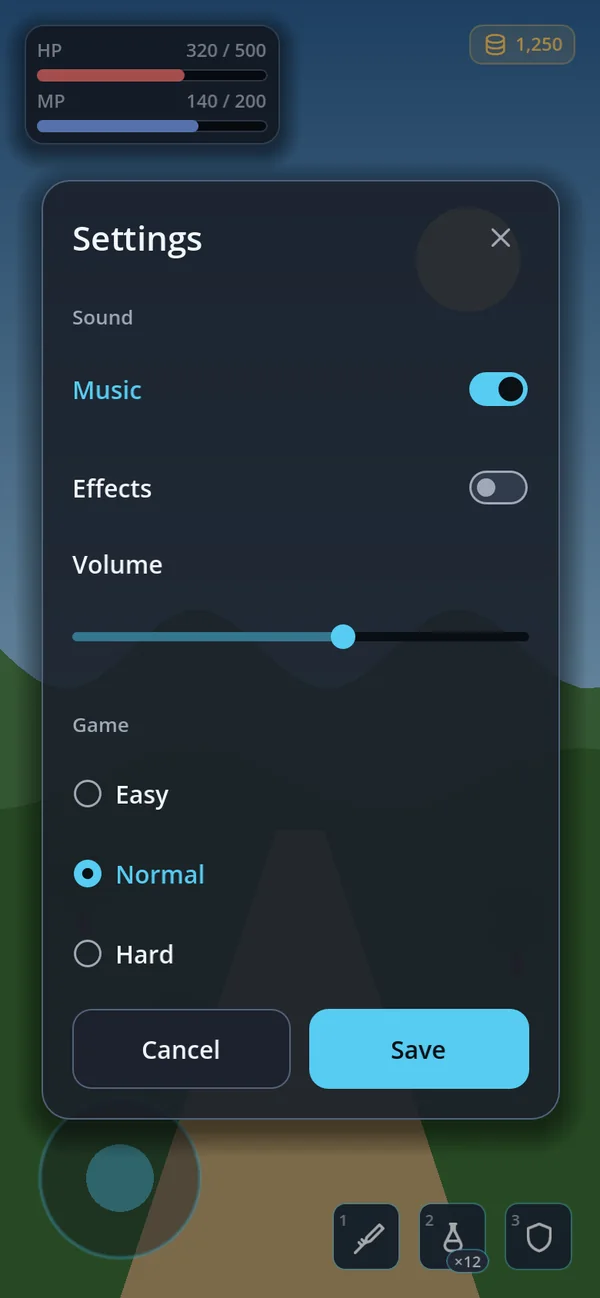
CENTER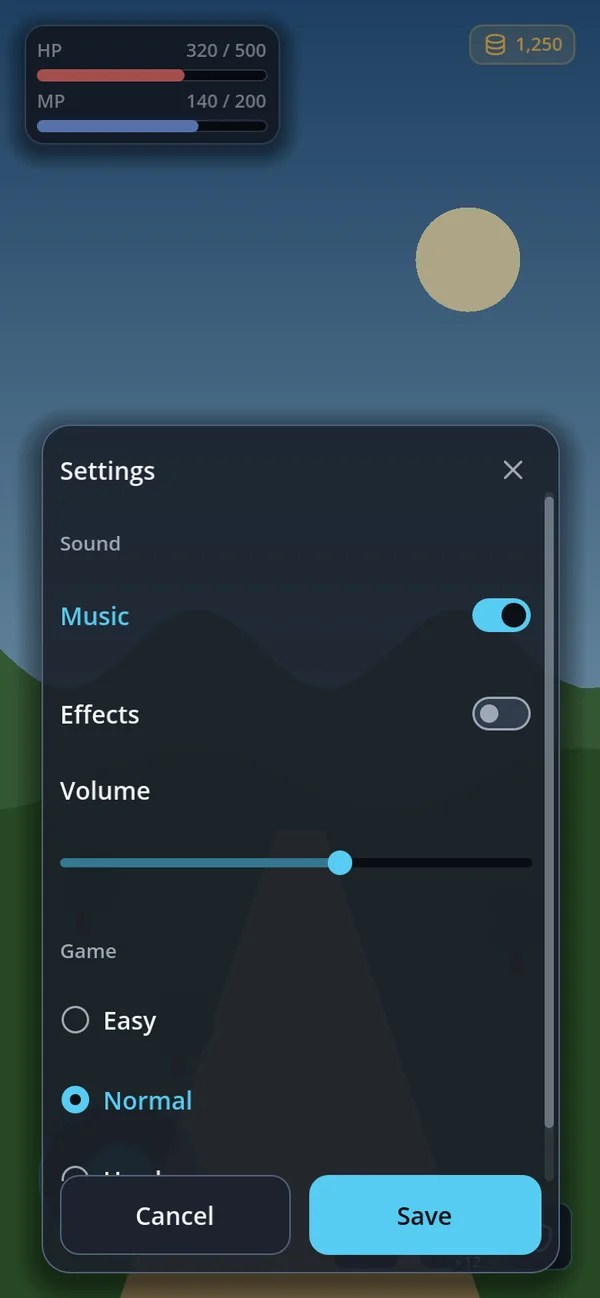
BOTTOM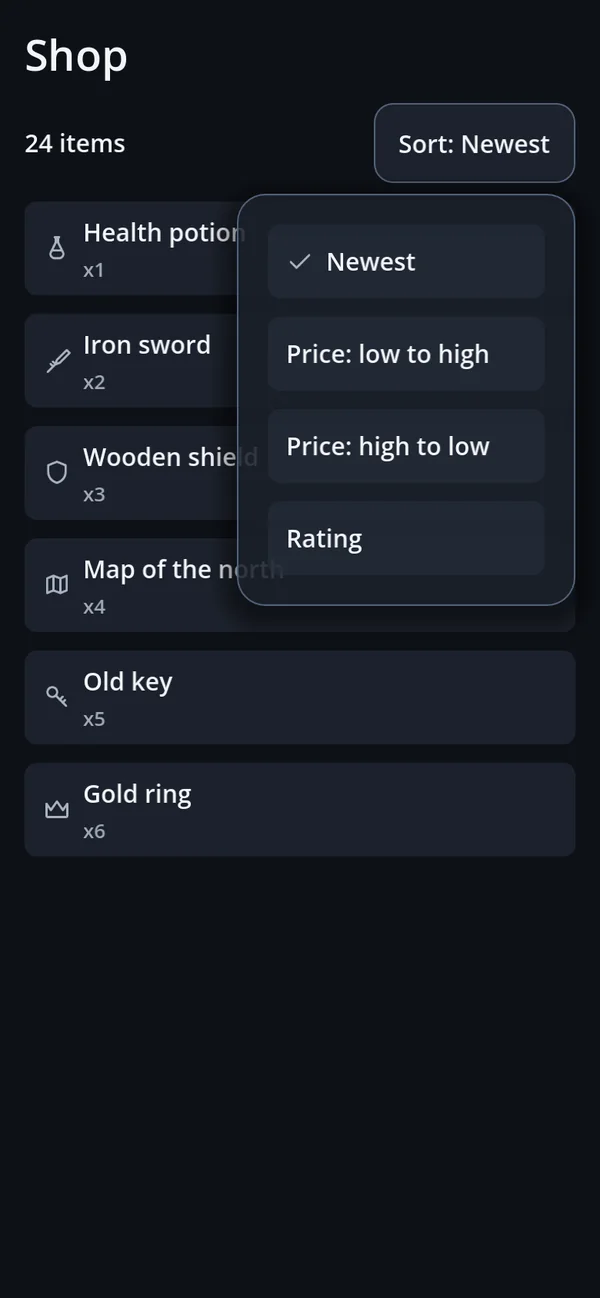
ANCHORPopups, sheets and dropdowns all use this one. It handles the safe area, the virtual keyboard, sticky header and footer, a scrolling body, which window is topmost, focus restoration, back-button ownership and drag-to-resize.
| Placement | Looks like | Used for |
|---|---|---|
CENTER | A card in the middle | Confirmations, settings |
BOTTOM | A sheet rising from below | Lists, management pages |
ANCHOR | A card pinned beside a control | Dropdowns, context menus |
close_requested — hiding or freeing — is the
owning screen's job, because the shell cannot know why it is closing (save and close, or discard).
GoSheet — a page from the bottom
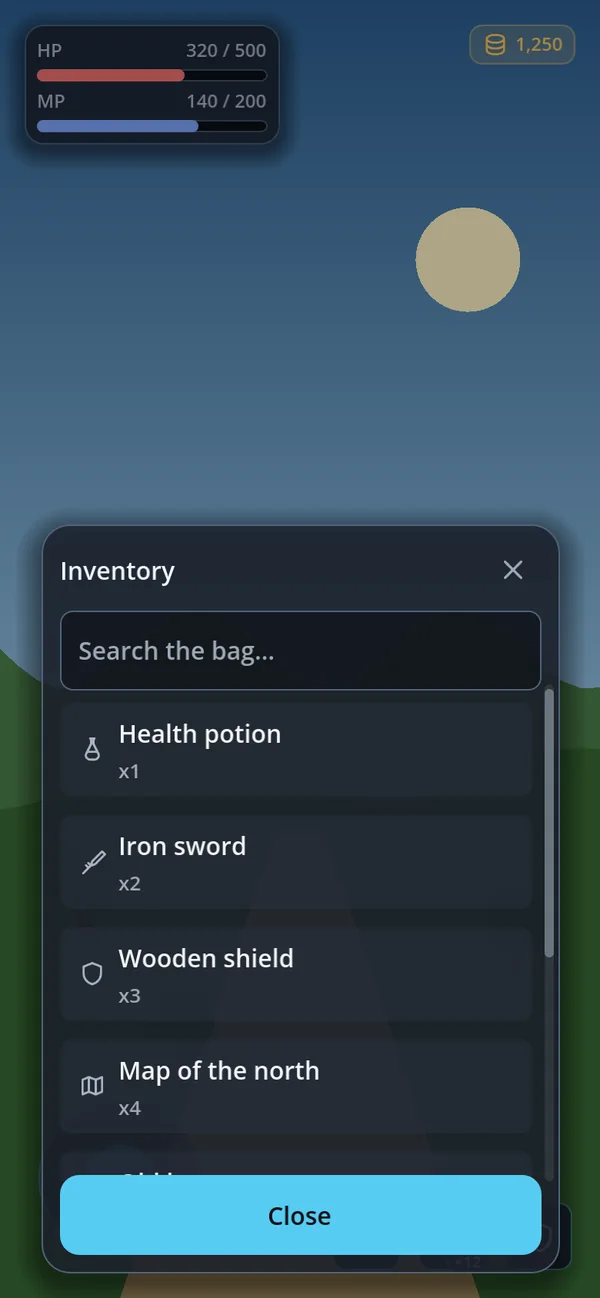
GoSheetvar sheet := GoSheet.new()
add_child(sheet)
sheet.open("Inventory")
sheet.toolbar().add_child(GoStyle.line_edit("Search…"))
sheet.toolbar().visible = true
sheet.footer().add_child(GoStyle.button("Close", sheet.close, GoStyle.Tone.PRIMARY))
sheet.footer().visible = trueIt owns a CanvasLayer, so it reliably sits above the HUD. open() clears the
body and turns off the back button and sticky rows — a dead button on a screen with nowhere to
go back to reads as broken.
GoDialogs — confirmations you await
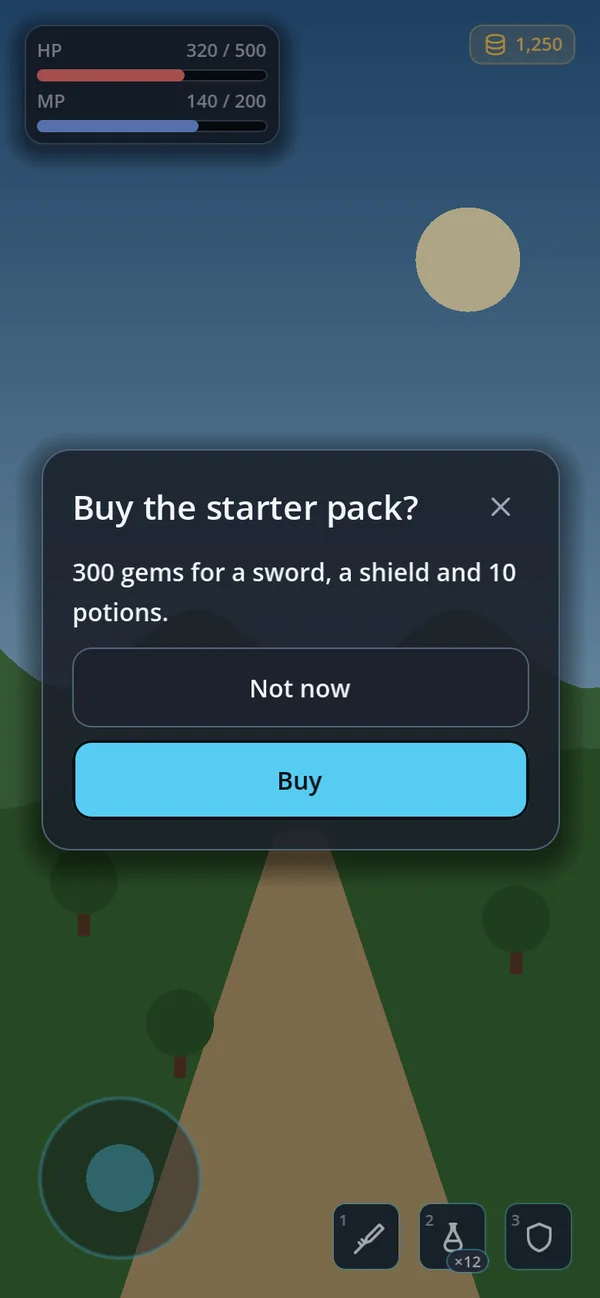
confirm()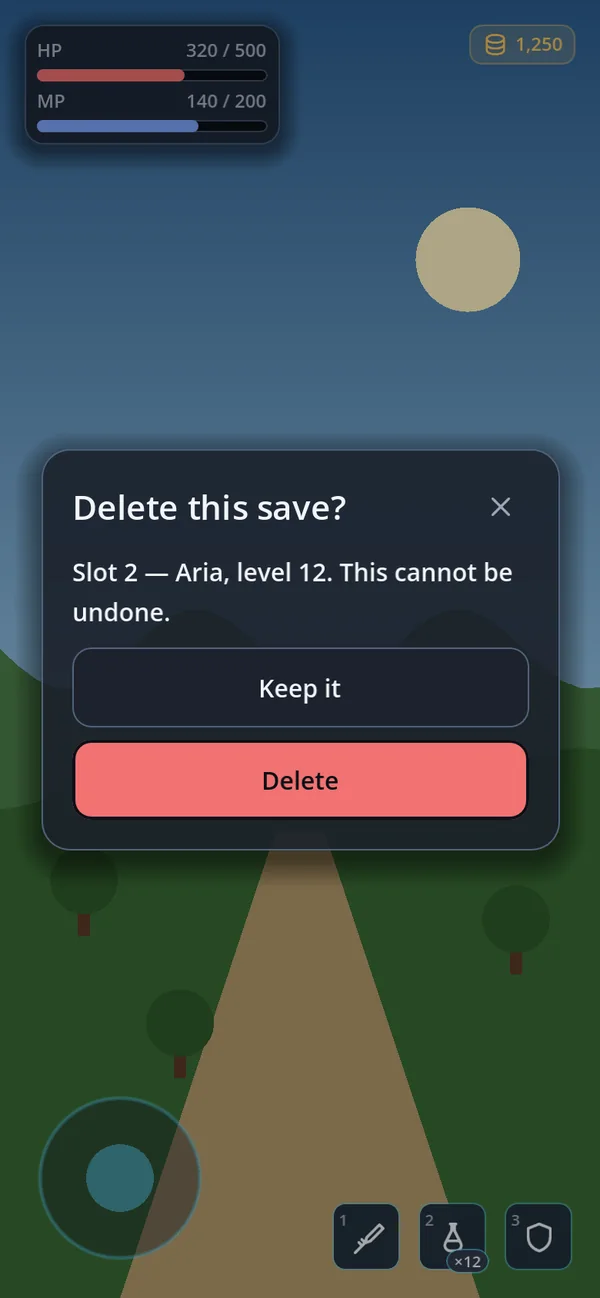
destructive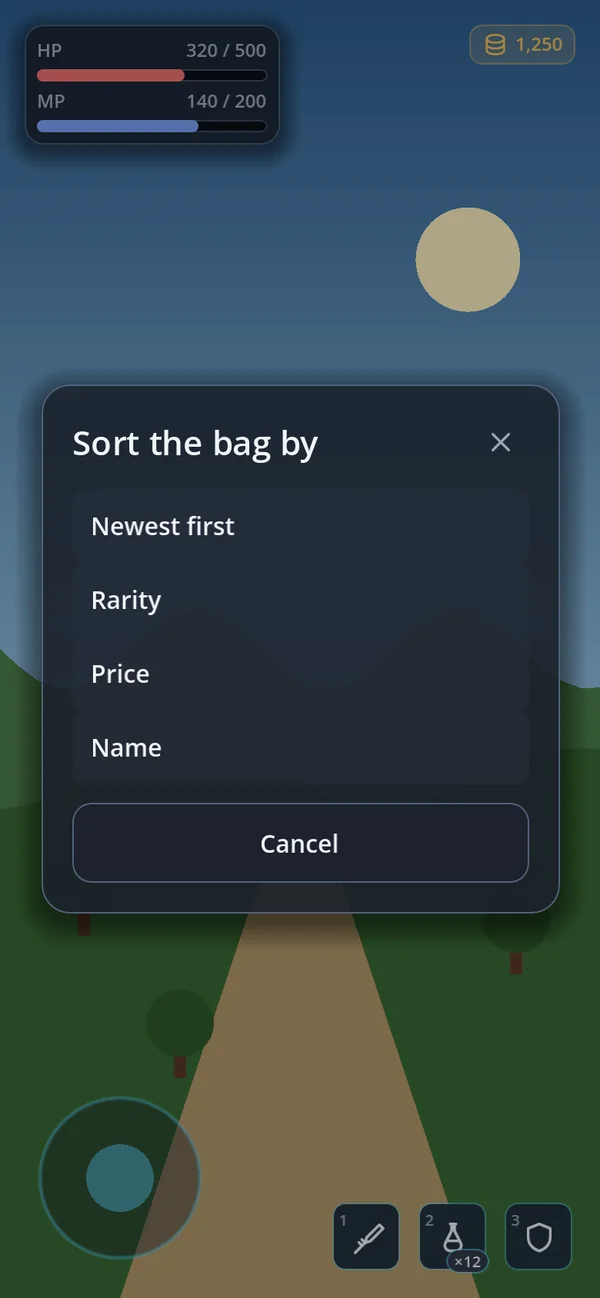
choose()if await dialogs.confirm("Delete save", "This cannot be undone."):
delete_save()confirm(title, body, ok_text, cancel_text, extra, args, destructive) — everything after the body is
optional, and alert() works the same way with a single button. Set destructive for
something that cannot be undone: the confirm button becomes the filled GoStyle.Tone.DANGER_SOLID
button. On a light theme a tinted danger label has to darken until it reads as black text; the filled button
keeps white text on red. The tone is re-applied on every call because one window is reused, and a second
confirm() while one is open returns false at once. confirm_key() takes
translation keys.
Button layout. action_layout is VERTICAL by default (safe for long translations),
HORIZONTAL for one row with half the width each, or AUTO, which uses one row only when both
labels fit half the card on a single line and stacks them otherwise. action_gap is the space between
the buttons and body_gap the space above them — make it wider than the button gap so the question and
the choice read as two parts. For one dialog only, call set_next_action_layout() before opening it.
The row is built when a dialog first opens, so an autoloaded GoDialogs adds nothing at startup.
GoForm — a width-capped form
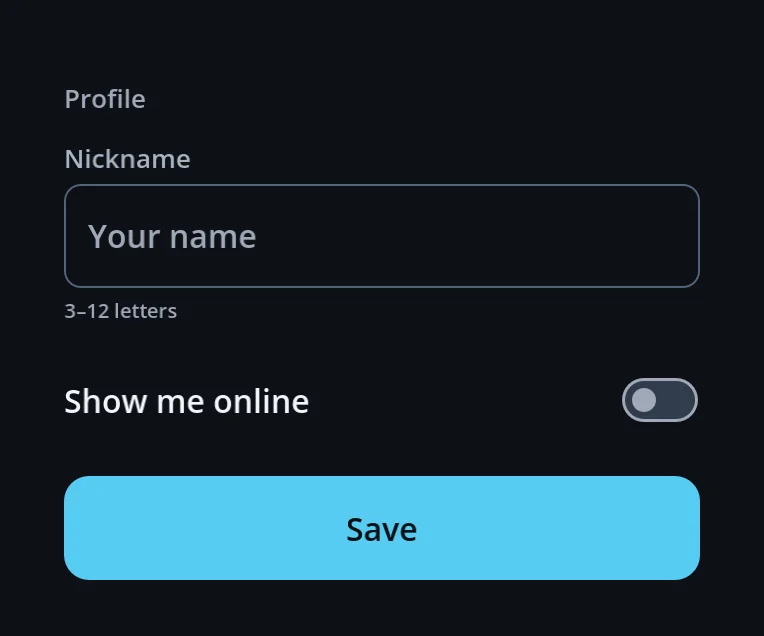
GoFormGoScroll — touch scrolling
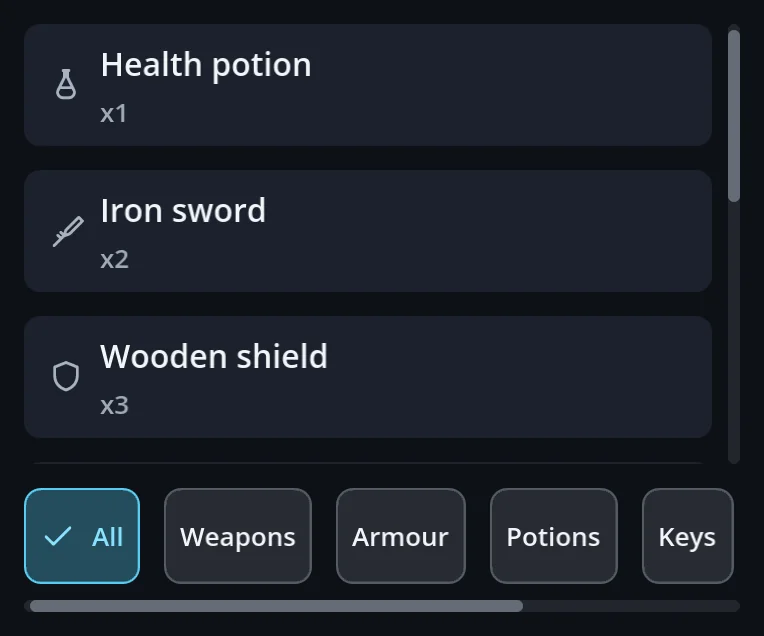
GoScroll · GoScroll.horizontal()Put one thing inside it. Headers and button rows belong outside — a long list must not push
them off screen. use_panel_edge() moves the scrollbar into the card's existing padding
while the content keeps its indent.